01
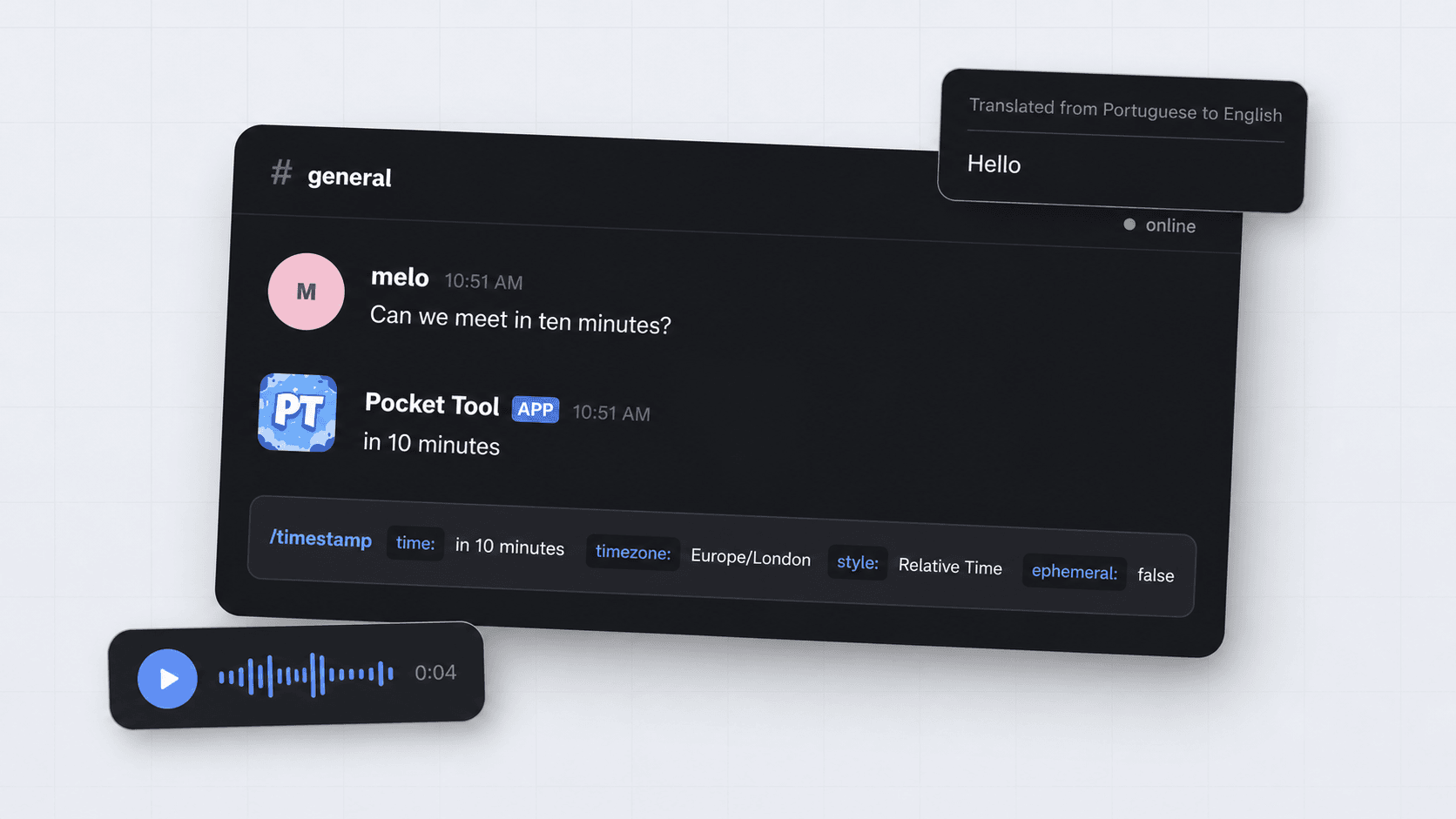
/translateTranslate text - or an existing message - without leaving Discord.
Why Pocket Tool
Install Pocket Tool once, then reach for it wherever Discord lets you work - without a dashboard, setup maze or second tab.
/timestampNatural-language timestamp lookups that display correctly for everyone.
/ttsSpeak your messages with ease.
/translateTranslate typed text, existing messages.
/userInspect profiles, avatars, banners, roles, and other cool things.
Inside the pocket
Real Pocket Tool flows, captured in Discord. Pick a command to see how it works.
Make it memorable
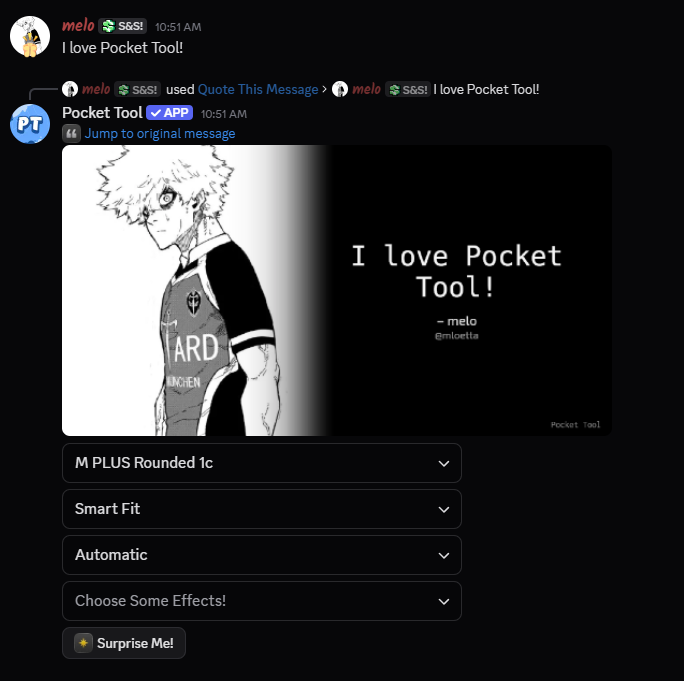
Quote This Message
Open the message menu, choose Pocket Tool, then shape the result with fonts, fitting, colour and effects before you share it.
And plenty more
/translateTranslate text - or an existing message - without leaving Discord.
/avatarOpen global and server avatars in the format you need.
/gifTurn an uploaded image into a shareable GIF in a few seconds.
/roleInspect role age, colours, position and permissions at a glance.
/timezoneCheck the current time anywhere with quick autocomplete.
Speech to TextTranscribe a voice message from its message menu.
Yours to run
Pocket Tool is built in TypeScript on Bun. Inspect every command, suggest an improvement, or run your own instance with the services you choose.
$ Ready when you are
Add Pocket Tool to your account and use it anytime, anywhere.